Author: Pir Arkam
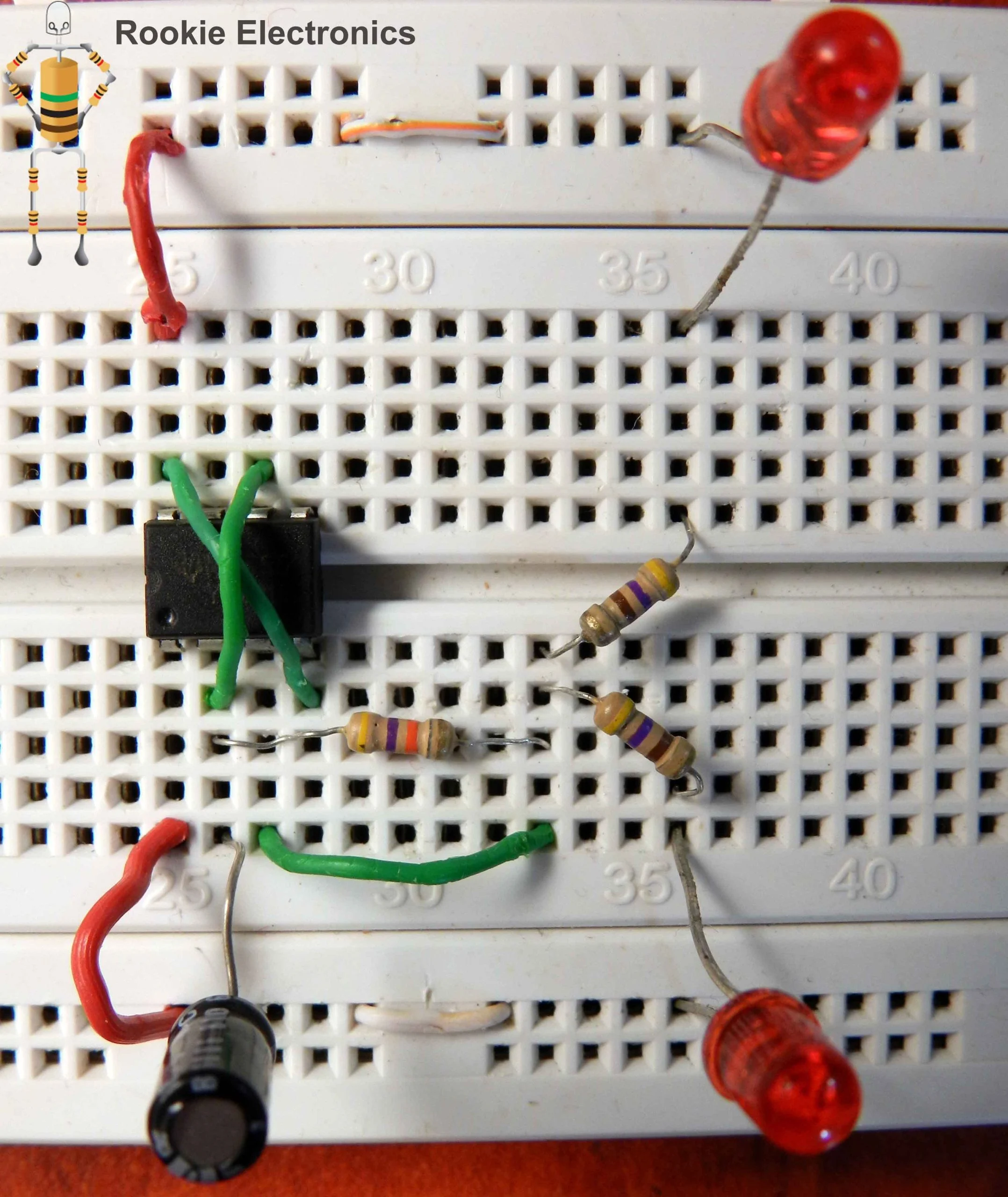
Flashing Rail road Lights
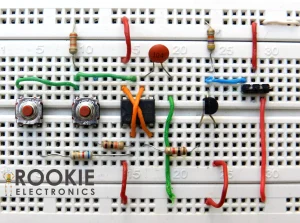
Demonstration This project flashes two LEDs alternatively with equal intervals of time so they act like a Model Railroad lights :).In future when you will be designing any Robot, you can use this circuit in order to decorate it 😉 Parts Required & Circuit Diagram: Bread Board Arrangement:
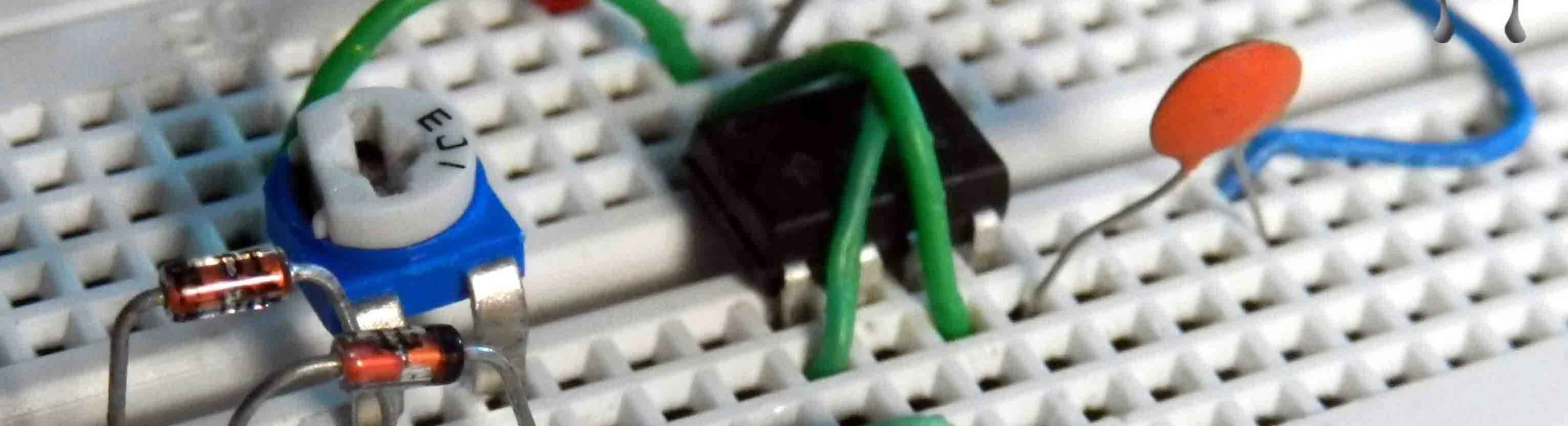
LED Dimmer
Demonstration The circuit which i found initially had 50k potentiometer, but the one i have used is 10k and it worked fine with that. The code for the 100nF capacitor is “104” so any capacitor which has this code is to be used in this circuit. You must use a Bright LED for this, buy the one of a…
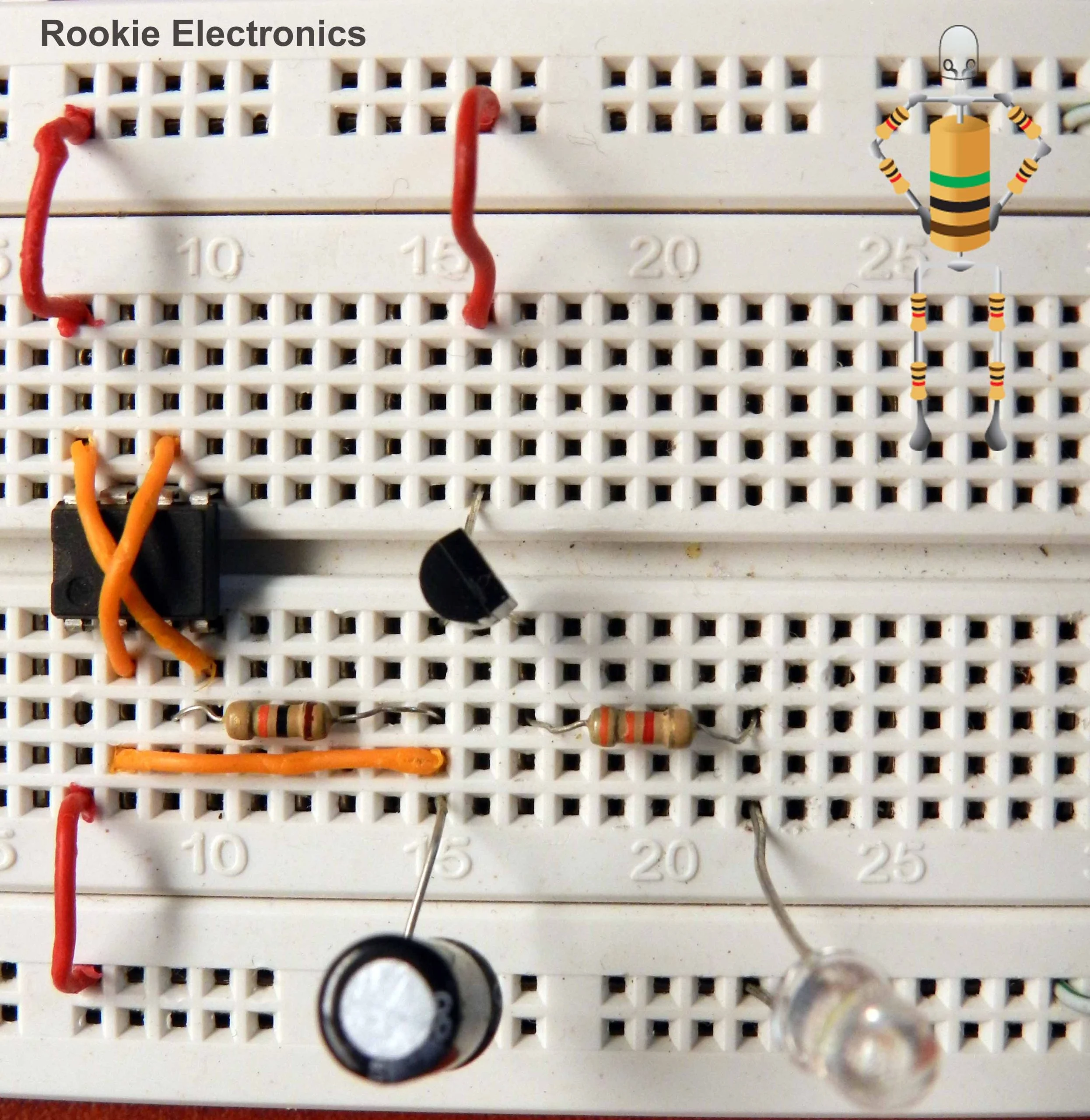
Fading LED with 555 Timer
Phewwww Finally it worked!! “Successs!!!” (Dexter’s style) I used arduino and it was too easy to just control the Brightness of LED by simply putting in numbers in code lolo I started looking on google a circuit to make LED fade up/down using 555 timer, i found lots of circuits but LED used to fade…
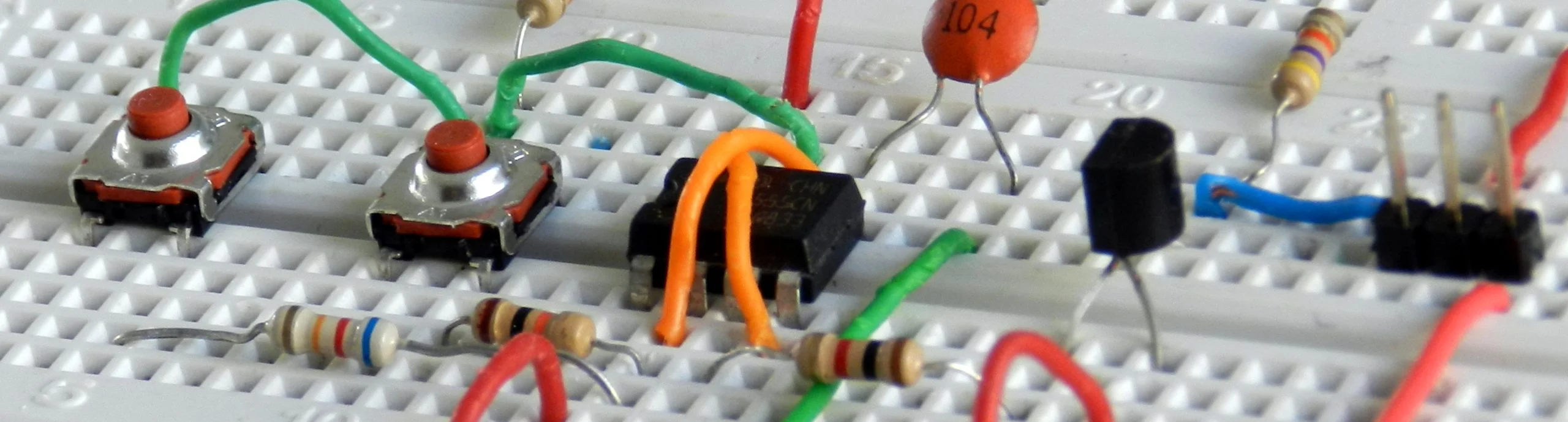
Servo Tester using 555 Timer
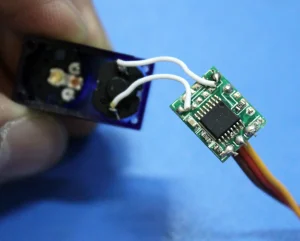
Demonstration This circuit is a servo tester, probably when you purchase a servo for your robot or model the first thing is you want to test whether it works or not. There are already commercial small circuits available for this in which is like a small box where you put in battery and hook your…
Controlling DC Motor using Arduino
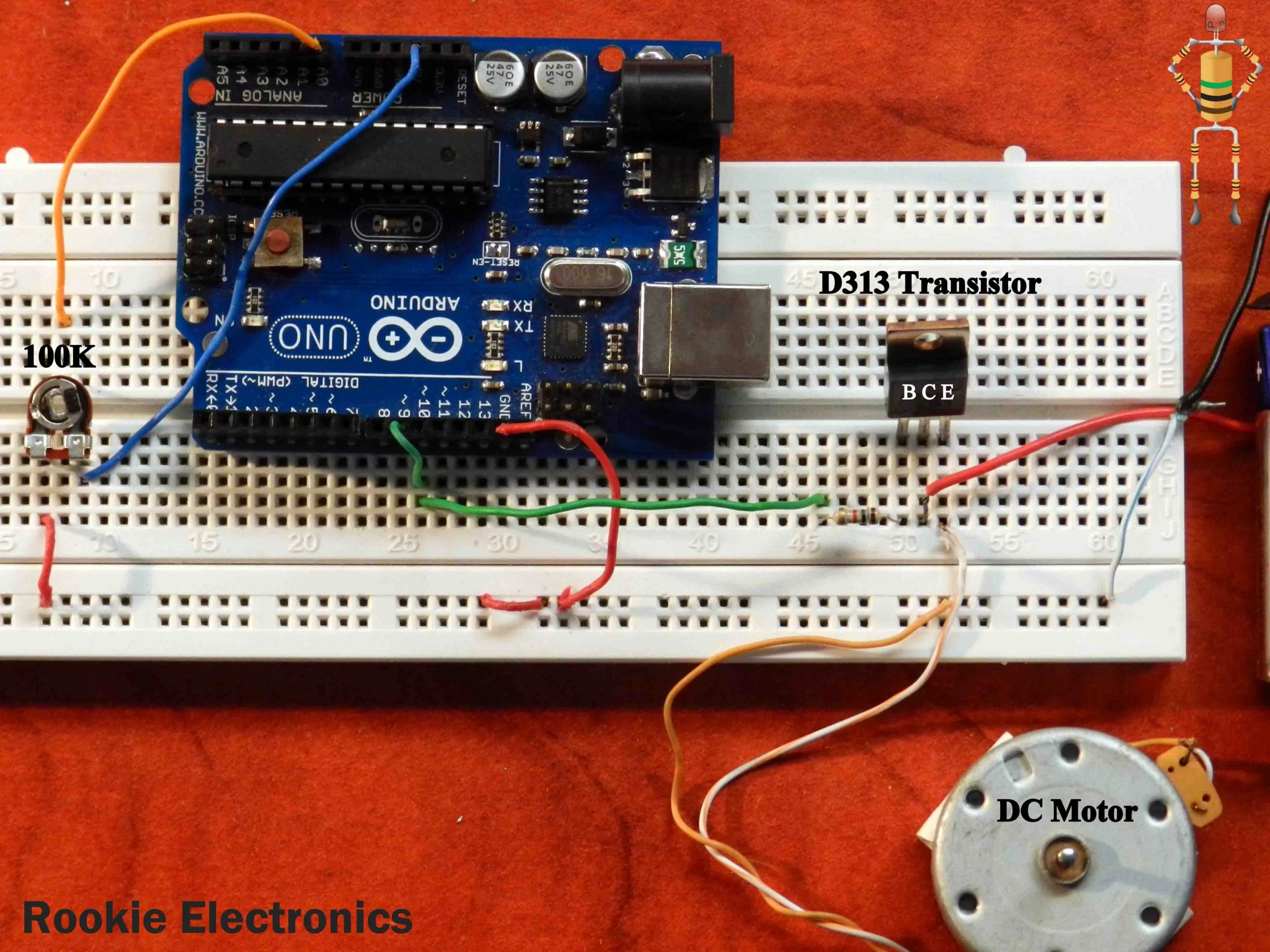
Demonstration This is actually controlling speed of DC motor with potentiometer using Arduino, where DC motor is supplied by PWM output of Arduino. You can select from any PWM outputs (3,5,6,9,10,11), it is denoted by “~” One thing to be kept in mind, Never connect any thing above 5V to any digital output of Arduino,…
Power Supplies for Arduino
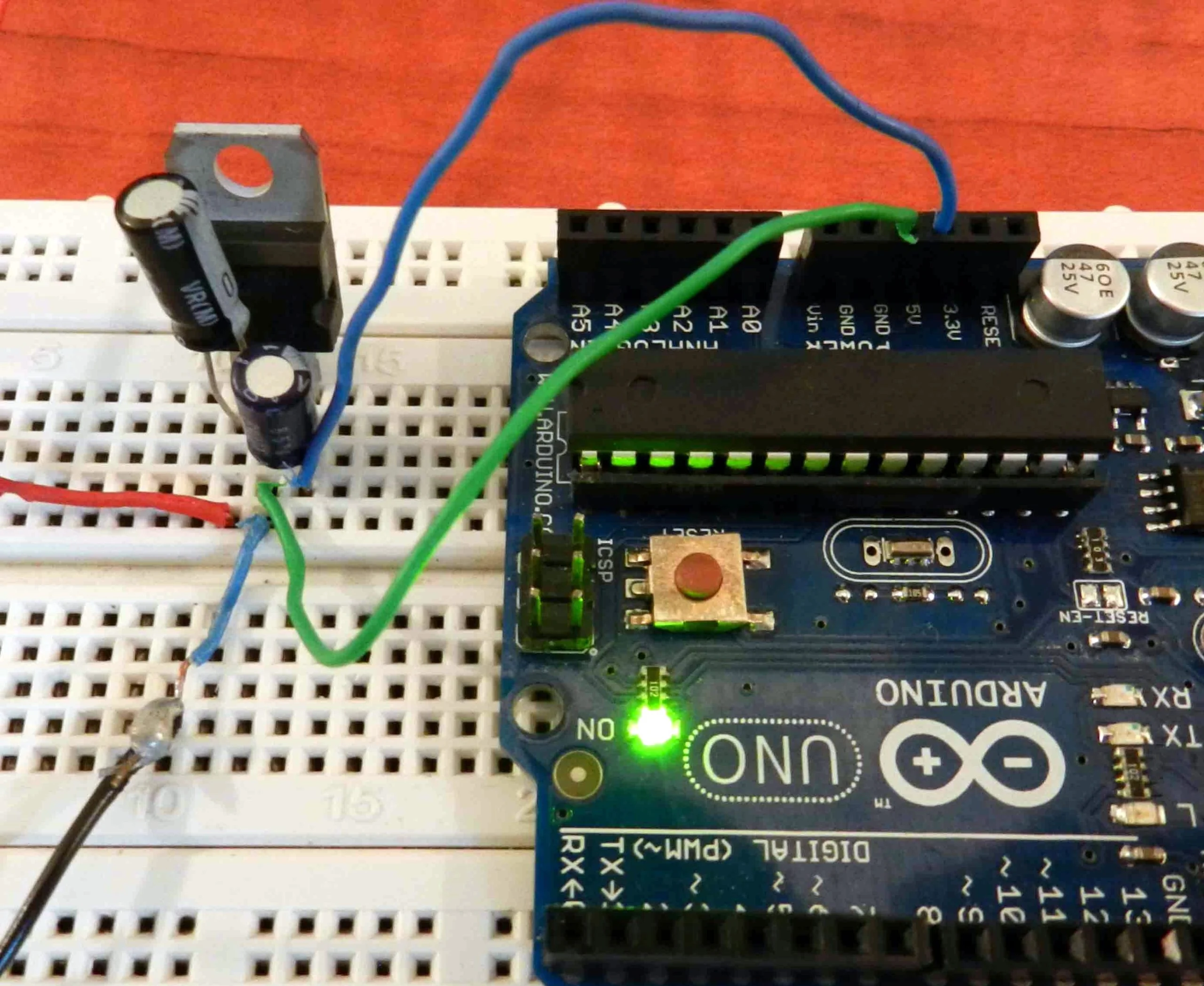
Arduino needs 5v voltage supply to run, There are various ways to feed it. 1. PC USB cable The most simplest is to just connect it with your pc through USB cable wire. The USB of our pcs give a good 5v Supply and arduino is happy with that 🙂 throught this you can also program…
Light Sensor using Arduino
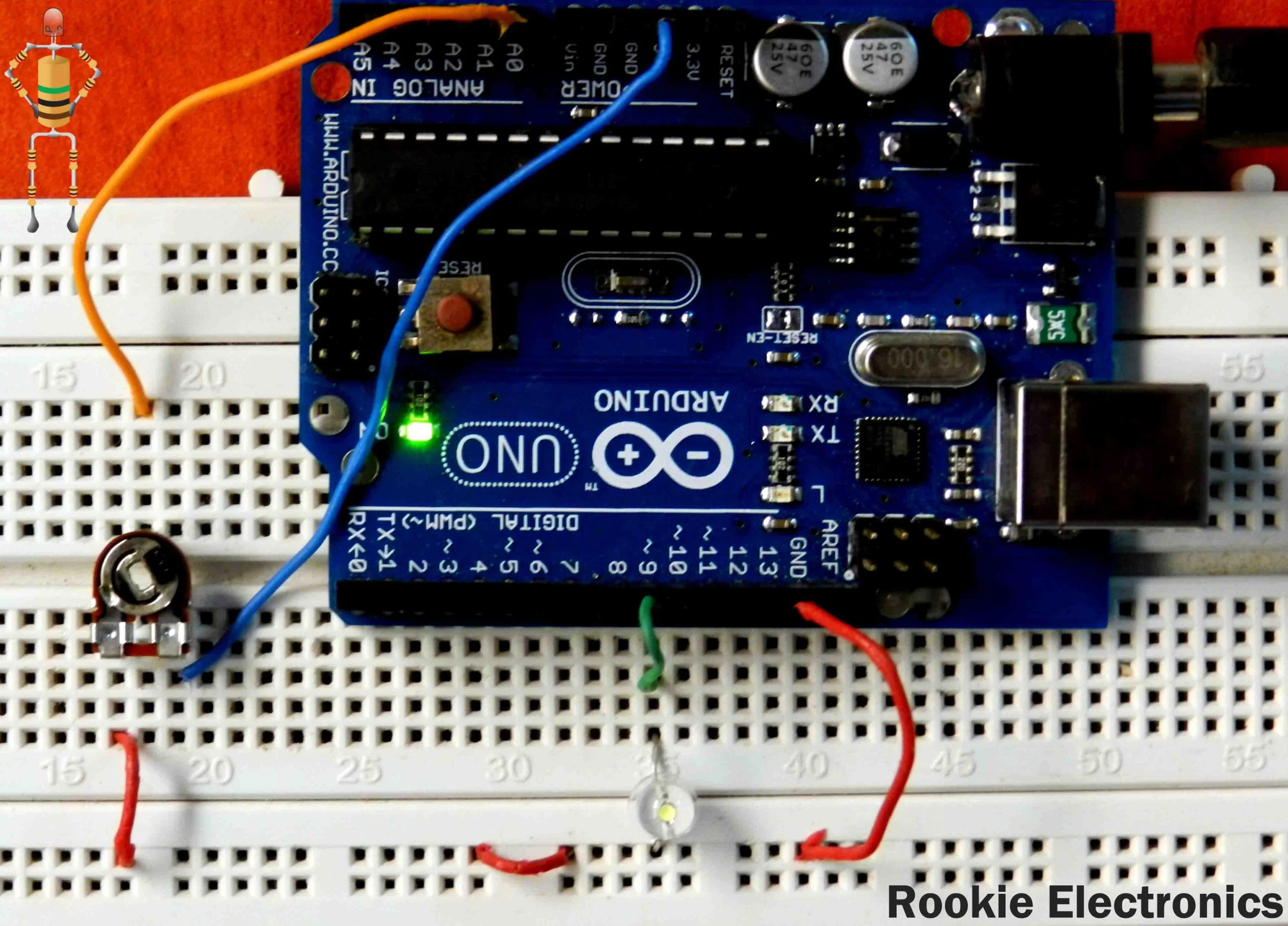
Demonstration Connect one pin of LDR to 5v and another pin to A0 input.This is a Light sensor using LDR and Arduino, you can make it either Shadow detector or light detector by simply changing the code given below. Connect one pin of 10k resistor to GND and another pin to A0 input The code below makes…
The Aerodynamics of Flight | How does a plane fly?
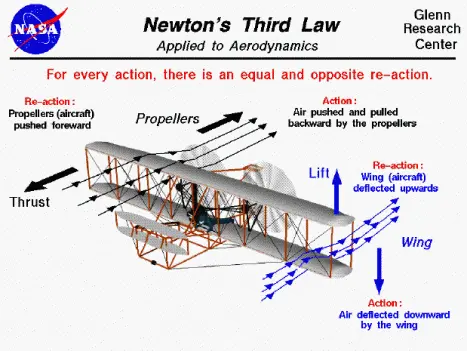
Since childhood almost all of us are fascinated by planes and flying objects. Ever wondered what makes those heavy objects fly high in the sky? Here is the brief basic explanation on aerodynamics of flying vehicles like planes, Helicopters, Quadcopters & Gyrocopters. Forces on Flight: Lets begin with the Forces acting on a plane in…
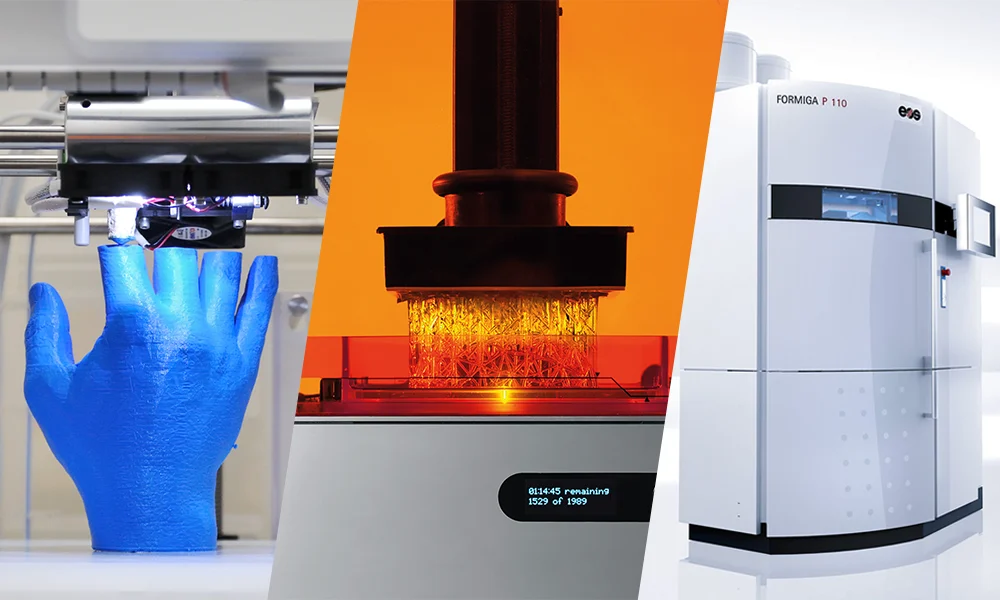
3D Printing Technologies | Types of 3D Printing
All 3D printing technologies create three-dimensional physical objects layer by layer from digital designs from many sorts of materials like plastic, metal, resin, concrete and Human Tissue. Additive manufacturing (AM) is the very appropriate name for describing 3D printing technologies. Check out On demand 3D Printing Service in Dubai UAE 3D Printing or AM describes a…
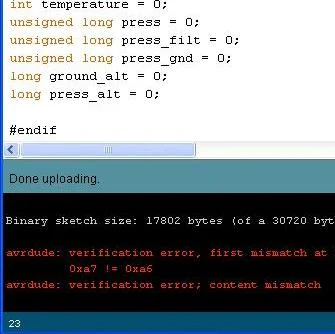
avrdude Error
This is a very common error found in Arduino Enviroment,avrdude: stk500_getsync(): not in sync: resp = 0x00avrdude: stk500_disable(): protocol error, expect = 0x14, resp=0x00Don’t worry follow the steps and you will be good to go. I had this error in my arduino and got very worried, as I couldn’t find any proper solutions all over…
Latest News


Stay Connected
Categories
3D Printer Arduino Basic Electronics General Personal Robotics
Search the Archives
Access over the years of investigative journalism and breaking reports