
Demonstration
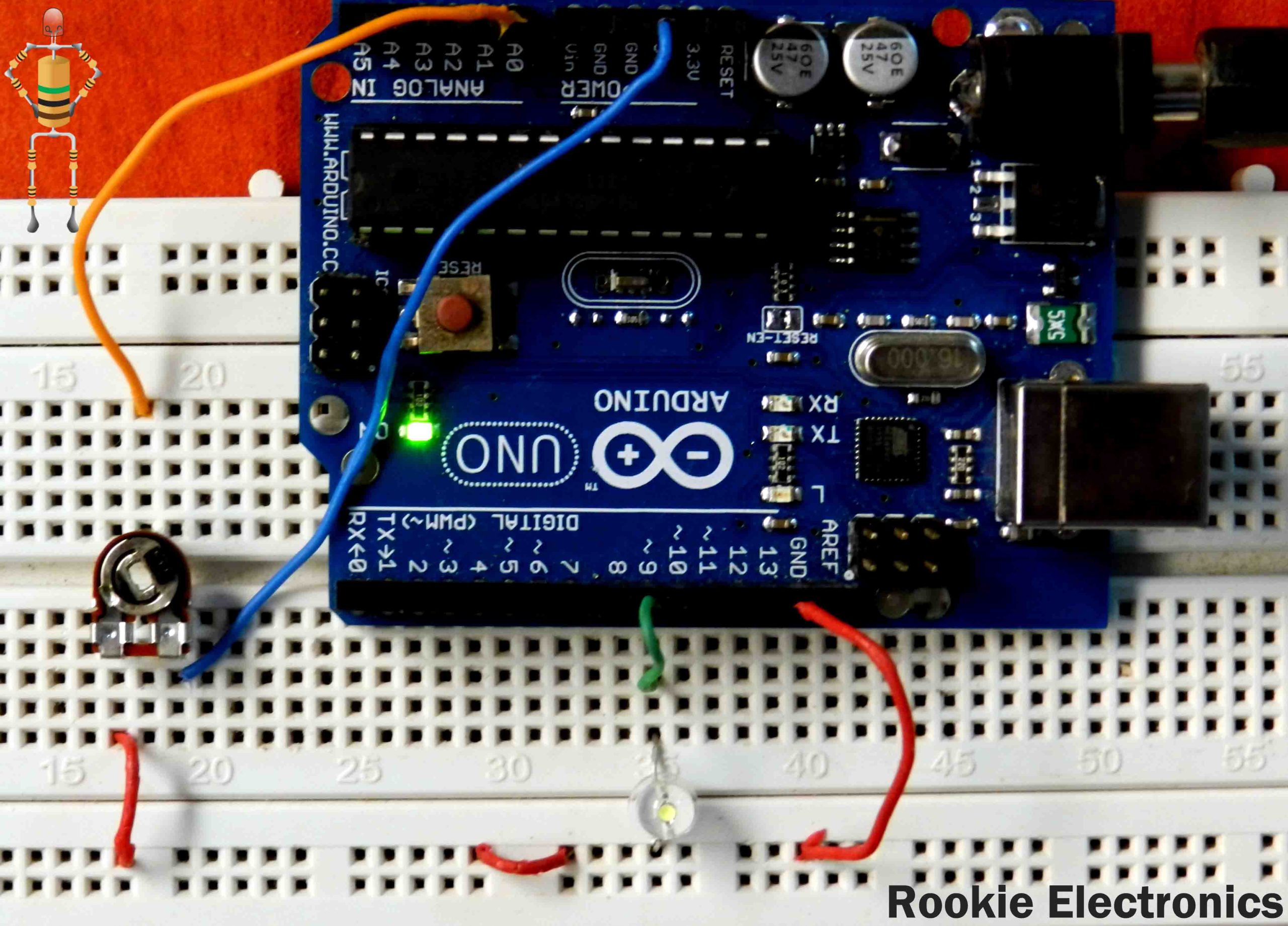
Connect one pin of LDR to 5v and another pin to A0 input.This is a Light sensor using LDR and Arduino, you can make it either Shadow detector or light detector by simply changing the code given below.
Connect one pin of 10k resistor to GND and another pin to A0 input The code below makes the arduino as a Shadow detector, to make it light detector you change the Condition statements, If Else part 🙂 change different things and get different outputs.. Enjoy Just copy and paste this code into your arduino program and upload it. CODE: int LDR = 0; //analog pin to which LDR is connected, here we set it to 0 so it means A0int LDRValue = 0; //that’s a variable to store LDR valuesint light_sensitivity = 500; //This is the approx value of light surrounding your LDR void setup() { Serial.begin(9600); //start the serial monitor with 9600 buad pinMode(13, OUTPUT); //we mostly use 13 because there is already a built in yellow LED in arduino which shows output when 13 pin is enabled } void loop() { LDRValue = analogRead(LDR); //reads the ldr’s value through LDR Serial.println(LDRValue); //prints the LDR values to serial monitor delay(50); //This is the speed by which LDR sends value to arduino if (LDRValue < light_sensitivity) { digitalWrite(13, HIGH); } else { digitalWrite(13, LOW); } }